
Keep your team aligned without the chaos
When several people work from the same Instagram account, context gets split across screenshots, chats, and different tools. Mochi gives your team one place to route new leads, discuss each conversation, and see what was said before. Managers can check the work without taking a lead out of someone’s queue, so the right person always knows what to do next.

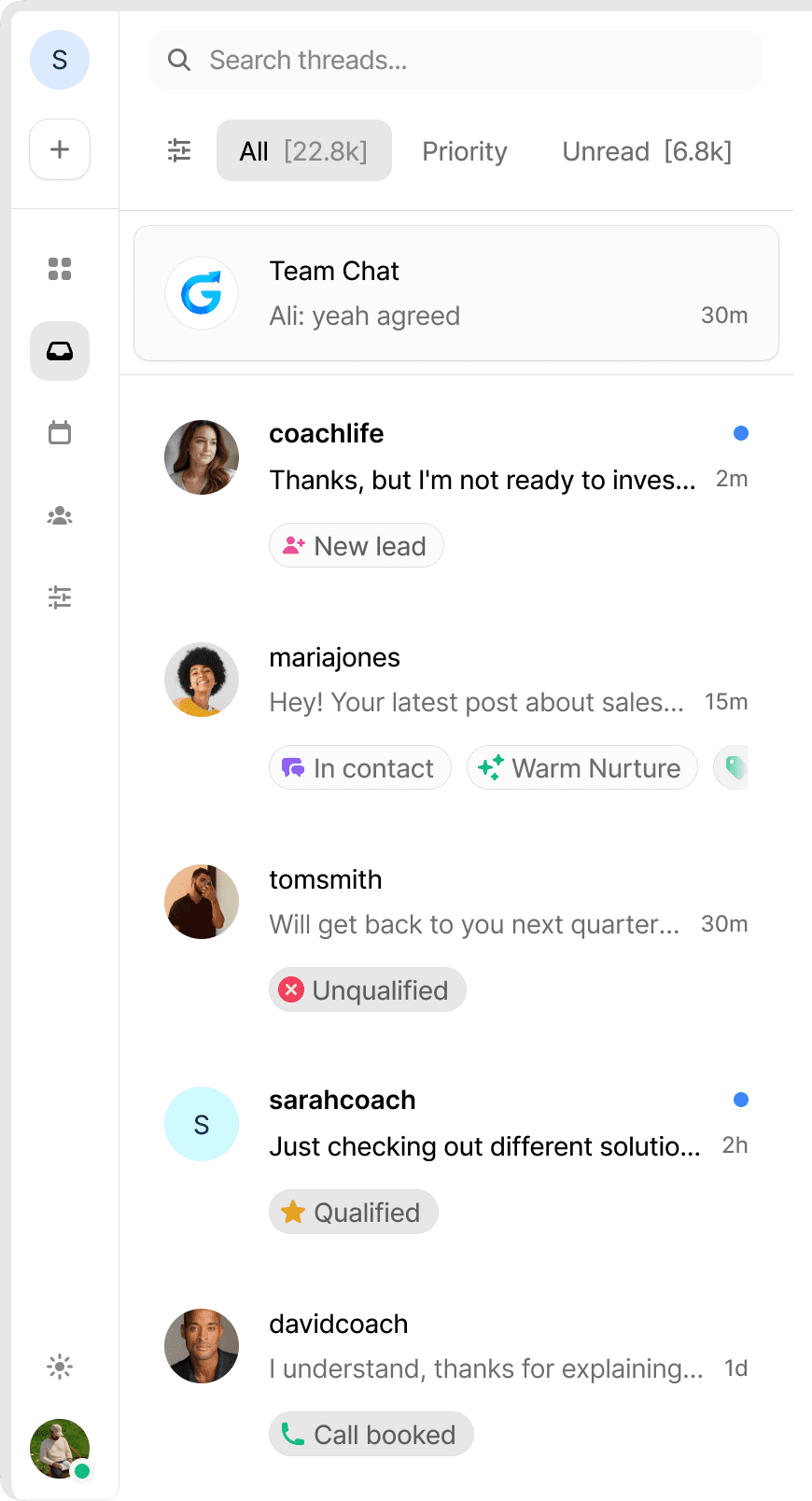
Everything your team needs around every lead
Route new conversations, keep internal discussion with the lead, and give every person the context they need to take the next step.



Team Inbox
Discuss each lead in one place
Every lead has a private team thread inside Mochi. Tag a teammate, ask a question, or leave context next to the conversation, so nobody has to send screenshots or search through another tool.
Lead Routing
Decide who receives new leads
Choose what percentage of new leads goes to each team member. Adjust the split when someone is unavailable or when you want your strongest performer to handle more opportunities.
Conversation Summaries
Give the whole team the lead context
Mochi summarizes each lead’s goals, pain points, objections, and important details. When the conversation moves to another person or platform, the next person can see what was said and continue from the right place.

Ghost Mode

David Scott
Still unread
Manager is reviewing this conversation
10:26 AM

Alex [S]
Lead still appears unread for Alex
The owner can see it still needs a reply.
11:48 AM
Ghost Mode
Review conversations without marking them read
Managers can open any conversation and see exactly what is happening while it stays unread for the assigned team member. You can coach the work without making someone think the lead has already been handled.
Mobile Notifications
Bring important messages straight to your phone
When a teammate tags you or a lead needs attention, Mochi sends a push notification to the iOS app. Tap it to open the right conversation and respond without searching through the inbox.
Frequently Asked Questions
Can I control how new leads are shared across the team?
Where can my team discuss a specific lead?
What happens when another person takes over a lead?
What does Ghost Mode do?
How does my team know when they need to respond?