Find your hottest Instagram leads
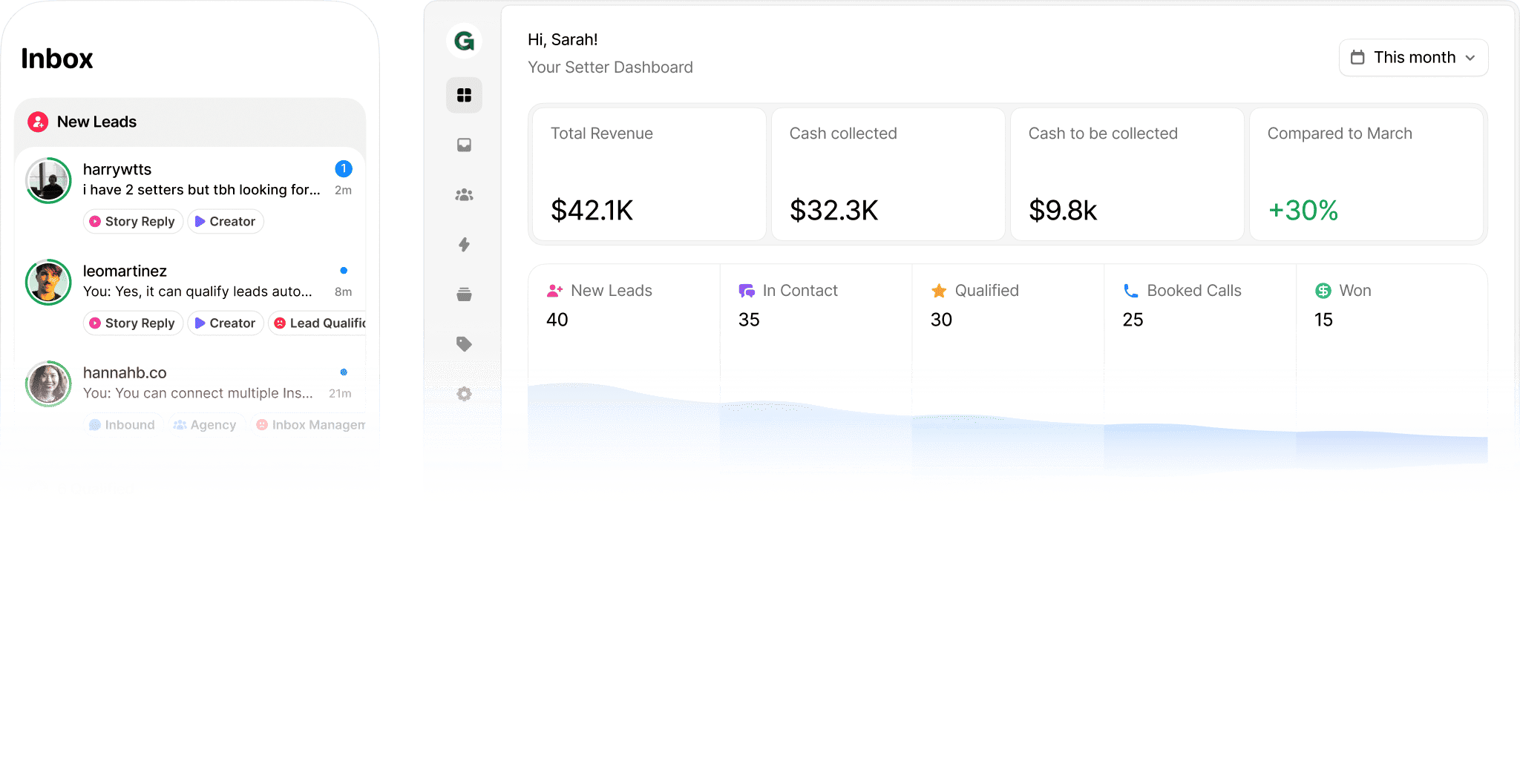
Ranked lead lists by engagement and stage, any lead by @username, and an AI summary of each conversation with its objections and buying signals.
Mochi turns your Instagram DMs, comments and story replies into something Claude, ChatGPT or any AI agent can work with. Ask who to follow up with, see what your setters are doing, and build comment-to-DM automations in plain English.
Try asking your AI
61 tools, one connection. Your AI only sees what your Mochi role can see.
Ranked lead lists by engagement and stage, any lead by @username, and an AI summary of each conversation with its objections and buying signals.
New leads split by DM, post comment, story reply and outbound, so you know which Instagram touchpoints actually fill your pipeline.
Booking rate, reply speed, active hours and the openers that convert, per setter, compared side by side.
Check restriction risk, failed sends and cooldowns before you turn up outreach volume.
Tag leads, move them through your funnel, reassign setters and closers, and add an email or phone number.
Describe the flow and your AI drafts it: keyword triggers on posts, reels and stories, buttons, tracked links, waits and follow-ups.
Tell your AI what should happen and it drafts the automation in Mochi, with buttons, waits, tracked links and follow-ups. Drafts stay off until you switch them on.
Reply publicly, DM them a voice note, ask a question with Yes / Not now buttons, send the tracked link.
Thank them, ask what they're working on, and tag them by their answer.
Send your booking link, then check in if it isn't clicked within 20 minutes.
One server URL, any assistant or agent that speaks MCP. Pick yours for a step-by-step setup guide.
Paste one prompt into your AI, or follow the steps for Claude or ChatGPT. Either way you sign in with your Mochi account and approve one workspace.

Fastest way · about a minute
Copy one prompt and paste it into your AI. It plugs itself into Mochi, checks the connection and suggests your first questions. All you do is sign in.
Using Claude Code? · View SKILL.md
Prefer to click through it yourself?
Claude.ai web, desktop or mobile, and Claude Code. Free plans include one custom connector. On Team and Enterprise, an Owner adds it under Organization settings → Connectors.
https://mcp.themochi.app/mcpUsing Claude Code?
claude mcp add --transport http mochi https://mcp.themochi.app/mcpChatGPT on the web. Full access on Business, Enterprise and Edu; on Pro, custom MCP servers can read but not make changes.
https://mcp.themochi.app/mcpYour permissions, nothing more
Your AI acts as you. A setter sees what a setter sees; payment data stays with Creators, Managers and Finance.
Changes need a Creator or Manager
Tagging, stage, owner and contact changes, automation drafts and funnel publishes are limited to Creators and Managers.
No messages, no deletes, no money
The connector can't message leads, delete data, activate automations, move money or change billing.
Common questions about using Mochi as your Instagram MCP server with Claude, ChatGPT and other AI agents.
An Instagram MCP server lets an AI assistant like Claude or ChatGPT read and act on your Instagram business data through the Model Context Protocol. Mochi's MCP server covers your Instagram DMs, comments and story replies, the leads they create and the team working them.
Through Mochi, your AI gets AI-written conversation summaries, lead lists, objections and performance numbers, scoped to your Mochi role. It never receives raw message transcripts.
No. It never messages leads directly. It can draft Instagram automations (comment, story reply and DM triggers), which are saved inactive until you switch them on in Mochi, and Mochi then sends them.
Any AI tool that can add a remote MCP server with OAuth, including Claude, ChatGPT, Hermes Agent, Gemini, GitHub Copilot, Codex and more. Each has a step-by-step guide in the Mochi docs.

Choose your plan
Start with Lite at $97/month, Standard at $297/month or Premium at $497/month.
Connect Instagram
Securely connect through Meta’s official API. Mochi imports 15 days of DM history on Lite, or 30 days on Standard and Premium.
Start converting
Pick up an existing conversation and follow up with a lead. Invite your team when you’re ready.