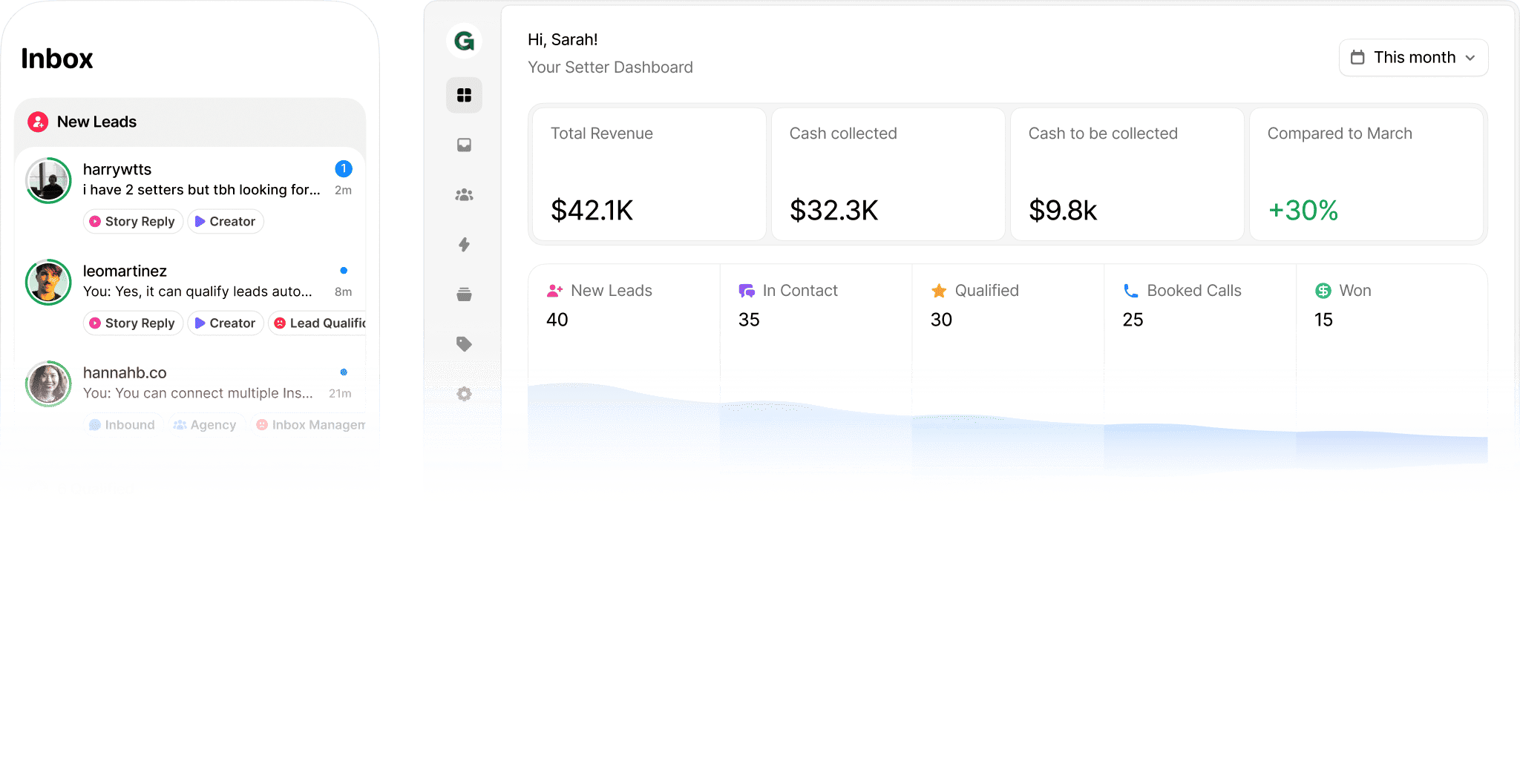
Find any Messenger lead by name
Look leads up by their Messenger contact name and get an AI summary of the conversation, with objections and buying signals.
Your Facebook Page's Messenger conversations, in Claude, ChatGPT or any AI agent, next to your Instagram and WhatsApp leads. Find anyone by name, keep the funnel clean and build Messenger automations with buttons, waits and follow-ups.
Try asking your AI
61 tools, one connection. Your AI only sees what your Mochi role can see.
Look leads up by their Messenger contact name and get an AI summary of the conversation, with objections and buying signals.
Messenger leads share the same stages, tags and team as your Instagram and WhatsApp leads, so one question covers all of them.
Tag Messenger leads, move them to the next stage, archive them, or hand them to another setter or closer.
Inbound-message and keyword triggers, buttons, waits for a reply and follow-ups, saved as a draft you switch on in Mochi.
Tell your AI what should happen and it drafts the automation in Mochi, with buttons, waits, tracked links and follow-ups. Drafts stay off until you switch them on.
Send a short intro, offer three buttons, and route each answer to its own branch.
Wait for their first reply, then ask one qualifying question and tag them.
Follow up once after a few hours with a nudge and a booking link.
One server URL, any assistant or agent that speaks MCP. Pick yours for a step-by-step setup guide.
Paste one prompt into your AI, or follow the steps for Claude or ChatGPT. Either way you sign in with your Mochi account and approve one workspace.

Fastest way · about a minute
Copy one prompt and paste it into your AI. It plugs itself into Mochi, checks the connection and suggests your first questions. All you do is sign in.
Using Claude Code? · View SKILL.md
Prefer to click through it yourself?
Claude.ai web, desktop or mobile, and Claude Code. Free plans include one custom connector. On Team and Enterprise, an Owner adds it under Organization settings → Connectors.
https://mcp.themochi.app/mcpUsing Claude Code?
claude mcp add --transport http mochi https://mcp.themochi.app/mcpChatGPT on the web. Full access on Business, Enterprise and Edu; on Pro, custom MCP servers can read but not make changes.
https://mcp.themochi.app/mcpYour permissions, nothing more
Your AI acts as you. A setter sees what a setter sees; payment data stays with Creators, Managers and Finance.
Changes need a Creator or Manager
Tagging, stage, owner and contact changes, automation drafts and funnel publishes are limited to Creators and Managers.
No messages, no deletes, no money
The connector can't message leads, delete data, activate automations, move money or change billing.
Common questions about using Mochi as your Messenger MCP server with Claude, ChatGPT and other AI agents.
Yes. Mochi's MCP server covers the Facebook Messenger conversations connected to your Mochi workspace, alongside Instagram and WhatsApp, through one connection.
No. The MCP never messages leads directly. It can draft Messenger automations with buttons, waits and follow-ups, saved inactive until you switch them on in Mochi.
Ask with the person's Messenger contact name, for example: summarise the conversation with Jamie Lee. Mochi finds the lead and returns an AI summary.
No. One Mochi MCP connection covers every channel in your workspace: Instagram, WhatsApp and Messenger.
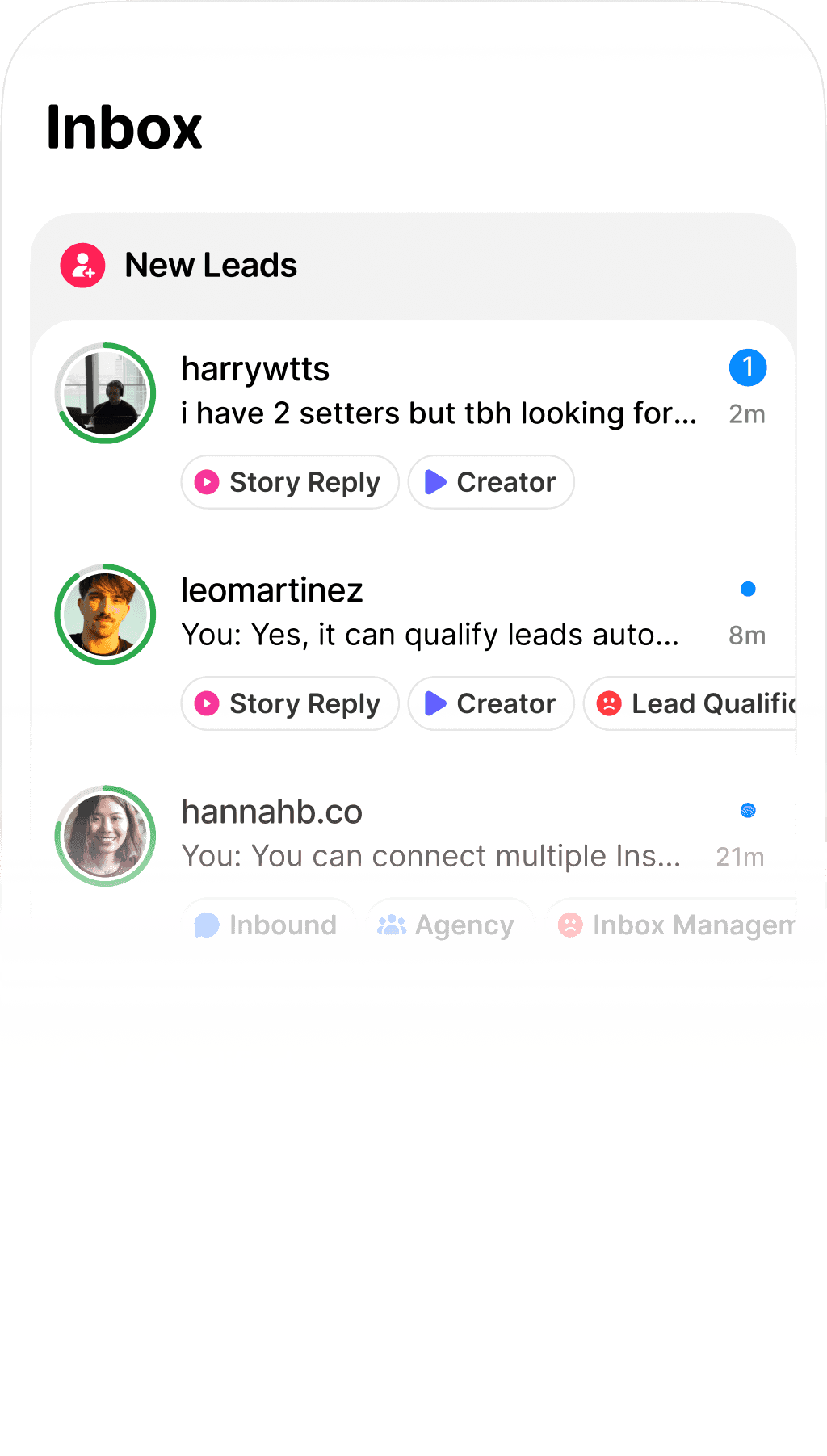

Choose your plan
Start with Lite at $97/month, Standard at $297/month or Premium at $497/month.
Connect Instagram
Securely connect through Meta’s official API. Mochi imports 15 days of DM history on Lite, or 30 days on Standard and Premium.
Start converting
Pick up an existing conversation and follow up with a lead. Invite your team when you’re ready.